Published:
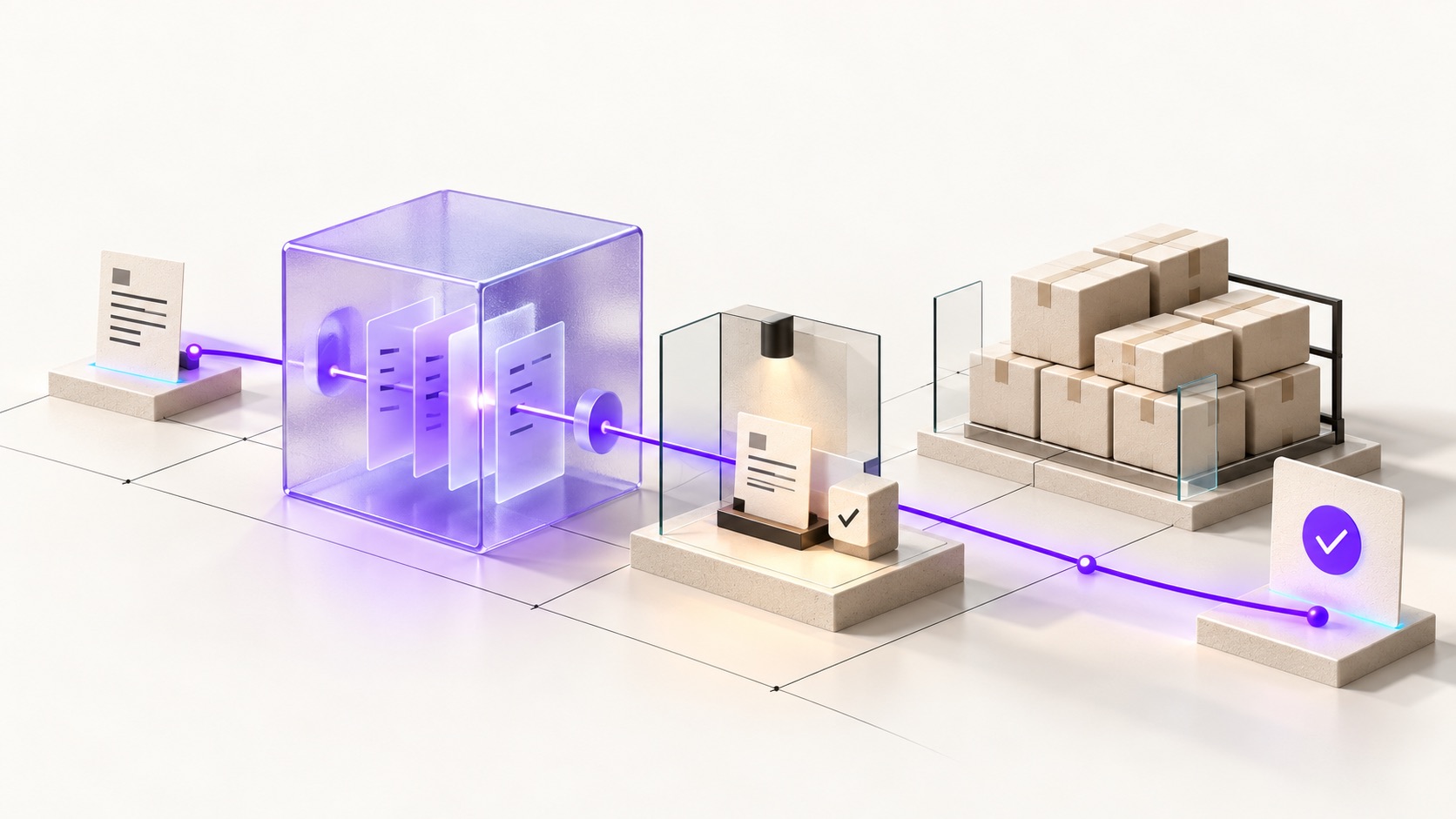
Automating order processing with AI starts with a dependable order workflow. A language model can turn an unstructured purchase request into a proposal or help classify a customer enquiry. It should not act as the source of truth for stock, payment status or agreed prices. Those values belong to the systems that manage them.
For many shops, a reliable connection between the storefront, ERP and warehouse is the first useful improvement. Identify the task you want to improve and whether it actually requires interpretation. A fixed business rule usually does not need a language model.
Where can AI help with order processing?
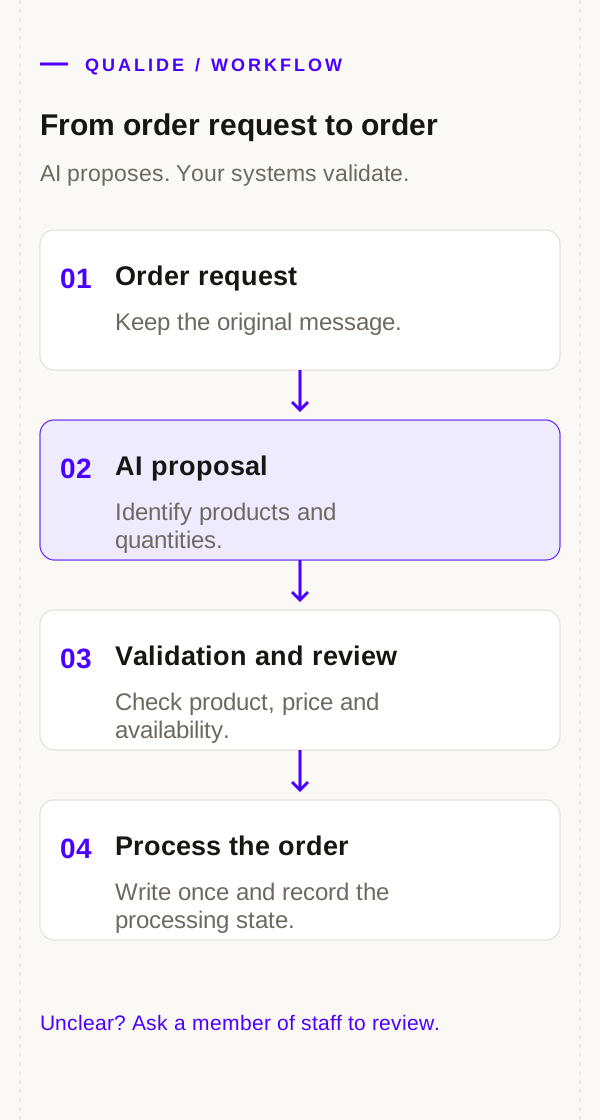
Separate recognising information from committing an order. AI can help interpret an email containing product descriptions in free text. The result should be a proposal checked by your application, rather than a final sales order.
| Task | Suitable approach | Validation |
|---|---|---|
| Read a purchase request | AI proposes products and quantities | Compare with the original message |
| Identify a product | Search a controlled catalogue | Check code, variant and unit |
| Calculate prices | Use webshop or ERP pricing rules | Apply customer agreements and currency |
| Reserve stock | Use the inventory or warehouse system | Check availability when reserving |
| Confirm payment | Use a validated payment notification | Check the order reference and amount |
| Handle an exception | A member of staff reviews the record | Record the decision and next action |
A practical first application is preparing a draft order for review. Staff can check unclear product choices and quantities instead of entering every field again.
Define the order states first
An order may exist before payment is complete. Some items may have shipped while other lines are still waiting. Keep order, payment and delivery states separate. Shopware also distinguishes these states in its order management interface.
Define the permitted transitions and which system can confirm them. A carrier notification can update delivery information, but should not confirm a payment. Include cancellation, returns and partial deliveries in the design.
Make every order proposal reviewable
Request AI output in a defined format, including the customer reference, proposed product codes, quantities and supporting passages from the source message. Your application can then check required fields, permitted quantities and whether the products exist.
If the product cannot be identified unambiguously, send the proposal to a member of staff. A convincing model response does not prove that the product match is correct. Test your own catalogue names, abbreviations and common mistakes.
Recalculate prices, discounts and delivery promises using the applicable business rules. Do not copy them directly from free text or a model response into a committed order.
Prevent duplicate orders when messages are retried
A timeout can cause an integration to receive or send the same message again. Suppose the ERP saves an order, but its confirmation never reaches the webshop. Retrying must not create another order.
Use stable references for the source, external order and relevant event. Keep processing results and check whether the receiving system already has the order. Also account for two workers handling the same message at the same time: a preliminary lookup alone does not prevent that race.
Laravel queues support background jobs, retries and failed-job records. Those features do not replace duplicate-processing controls within the order workflow. A write to an external system must remain safe to resume after an interrupted connection.
Assign ownership of data across systems
Decide which system owns each field. An ERP might manage customer agreements, while the warehouse owns physical stock. The right arrangement depends on your setup. Two systems repeatedly overwriting the same field make automation harder to maintain.
AFAS distinguishes GetConnectors for retrieving data from UpdateConnectors for changing it. Check the connectors, fields and permissions available in your environment. Validate the integration in a test environment before allowing it to write final orders.
For more detail, read our guides to connecting a webshop to AFAS and Laravel development for Magento integrations.
Test exceptions before automating
- A customer refers to two products with similar names.
- A request contains an unknown unit or unclear quantity.
- The same message arrives twice or concurrently.
- Payment succeeds while the ERP is unavailable.
- An order line is amended or cancelled after processing.
- One part of an order is delivered while another is returned.
- The model or an external integration does not respond.
Define the expected outcome for each scenario and who handles exceptions. An operational overview should identify the affected order, how long it has been waiting and whether retrying is safe.
Measure the whole workflow
Establish a baseline for manual handling time, corrections and unprocessed orders. Compare it with a limited pilot using comparable orders. Include review and recovery time. A large number of automatically prepared proposals does not by itself show that the complete process requires less work.
Start with one input channel or customer group and retain a manual route. Expand after the process is stable. Predicting when to replenish stock is a separate problem; see our guide to AI inventory automation.
Order automation with Qualide
Our projects combine webshop development, administrative integrations and custom workflows. Explore the Laravel and AFAS development for B2Bshop and the custom purchasing workflow for ReFoto. These are integration case studies, rather than claims that the same AI application was used there.
Discuss your order workflow with Qualide. A list of your systems, input channels and recurring exceptions provides a useful starting point for identifying suitable automation.